Croc 2 on Steam Deck and handheld PCs
Croc 2 ships with full controller support, Steam Cloud saves and a gamepad-recommended tag, and its 16 GB RAM minimum is the one number to check before buying for a handheld PC.
The honest state of Deck support
Croc 2 Kingdom of the Gobbos lists full controller support, a Gamepad Recommended tag and Steam Cloud saves on its Steam page. Those three tags are what Valve publishes for the game, and they matter more for handheld play than any benchmark.
| Check | Value on Steam | What it means for Deck |
|---|---|---|
| Controller support | Full | No keyboard emulation needed |
| Gamepad Recommended | Yes | The game expects a pad |
| Steam Cloud | Yes | Saves follow your account |
| RAM minimum | 16 GB | Meets the Deck's 16 GB exactly |
| Storage | 24 GB | Fits, but it is a large share of the internal drive |
| Deck compatibility badge | Not published as a rating here | Check the store page badge before buying |
The 16 GB line is the interesting one
The Deck has exactly 16 GB of RAM, which is the game's stated minimum. That is a pass, but it is a pass with no headroom: the operating system and the Proton layer both take a share, so the game is running at the edge of its own spec rather than comfortably above it.
In practice that means two things worth knowing before you install. Expect the fan to work, and expect the internal drive to matter — 24 GB on a 64 GB Deck leaves very little for anything else, so an SD card install is the sensible choice if you keep several games on the device.
Proton and the first launch
The game is a Windows build, so on Deck it runs through Proton. Valve's compatibility layer handles most current releases without manual work; if the first launch fails, the usual fixes are switching the Proton version for the game in the properties panel and verifying the files afterwards.
Because the game ships with full controller support, the Deck's built-in controls should map without custom Steam Input work. The one thing worth rebinding is the camera reset: the right stick is easy to knock during a triple jump, and a shoulder button is a safer home for it.
What to expect from the visuals
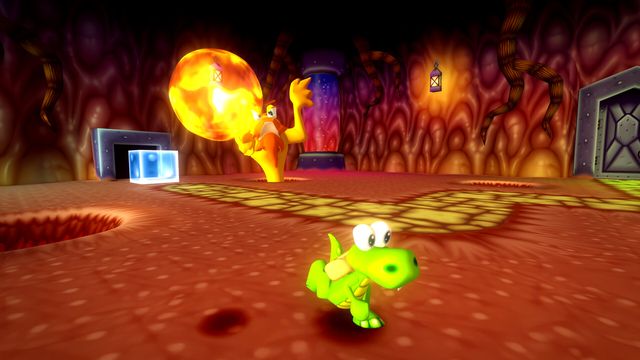
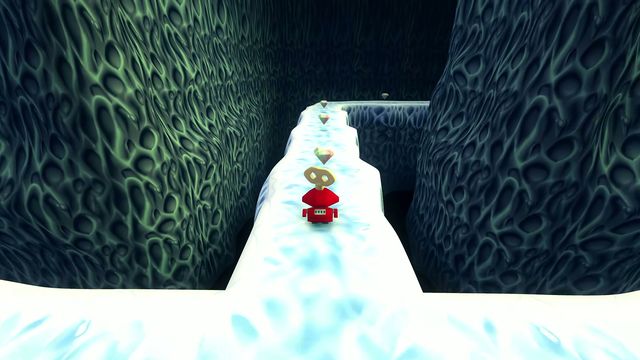
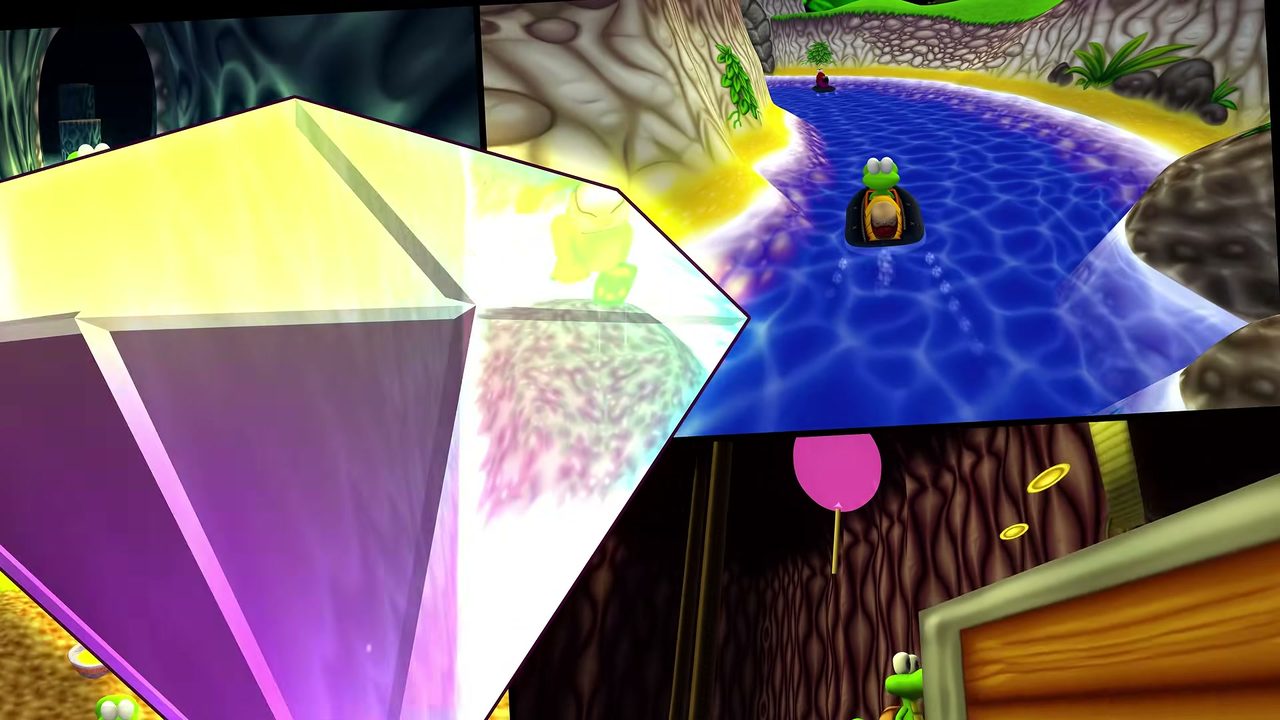
This is a cartoon platformer with large, simple geometry, which is the friendliest possible case for a handheld. The heavy content is the museum's video material rather than the game itself, so a Deck run should look close to a desktop run at native resolution — the settings worth touching are the ones that affect frame stability in the vehicle sections, not the ones that change the art.
Vehicle sections on a handheld
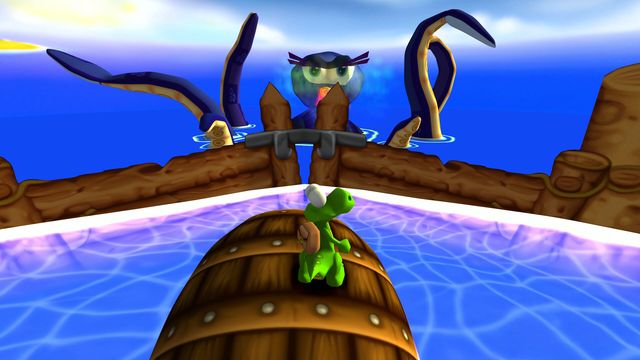
The car and boat stages are the parts where a smaller screen and a shorter stick travel hurt most. Two adjustments help: raise the camera sensitivity so you can check a corner without a long push, and use the Deck's gyro only if you already like it — the boat's steering is analogue, and gyro fights it.
Buying advice
If you own a Deck and a desktop, buy it on Steam: Steam Cloud carries the save between them and the achievement list is the same. If the Deck is your only machine, buy it, but plan the install on an SD card and expect the fan to be audible in the museum sections.
The system requirements page has the full spec table, and the controls page covers the pad layout.